Duplicating drivers
Duplicating a driver creates a new independent driver with the same formulas, segments, and values as the original. The copy has “Copy” appended to the name, and it has no dependency link back to the original. Any segments from the original driver are copied to the new driver. See Keyboard shortcuts for the duplicate shortcut. If you want a new driver connected to an existing set of segments, create a driver with the same name, then use the driver context menu to make it a subdriver of the existing segmented set.Removing vs. deleting drivers
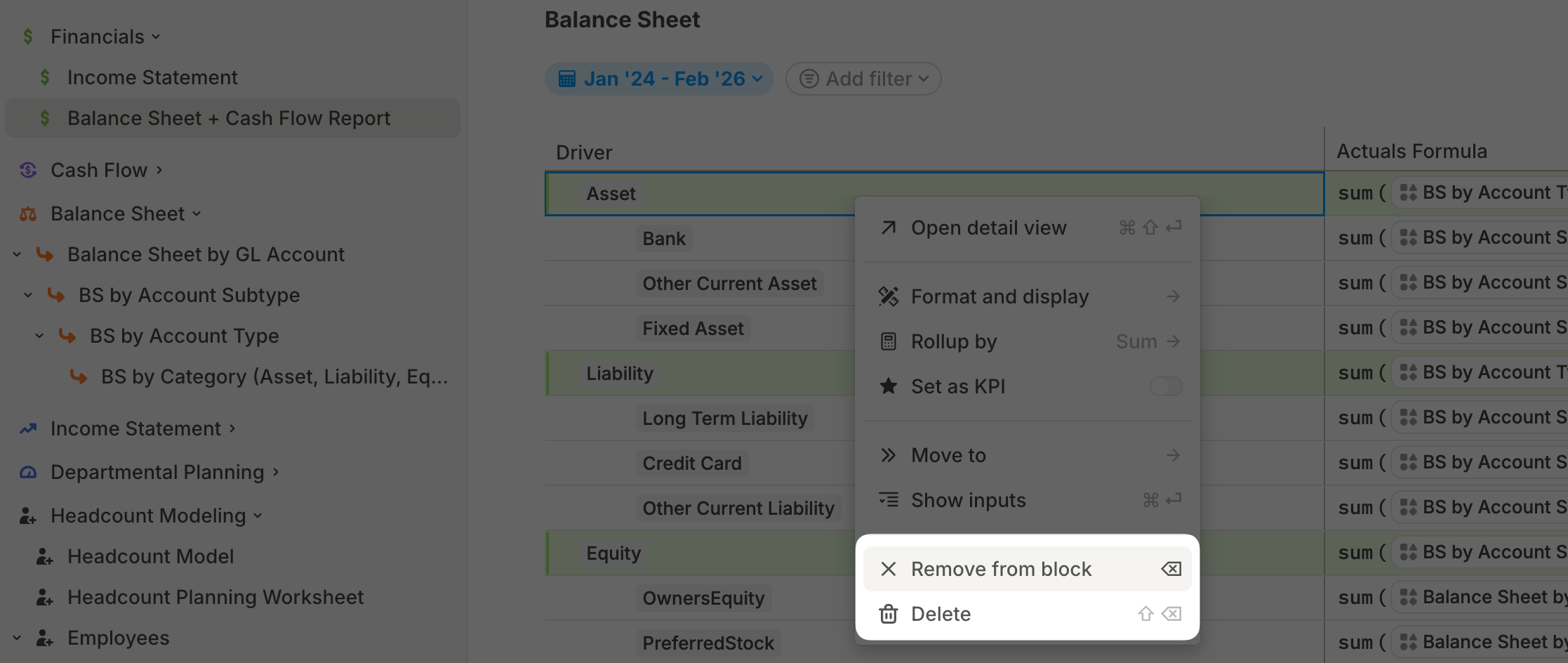
- Remove from block: Removes the driver only from the current view. The driver still exists in Runway, remains available in other blocks, and existing formula references continue to work.
- Delete: Removes the driver from the model and all tables where it appears. Formulas that reference the deleted driver can break.