

Identifying a Fivetran integration
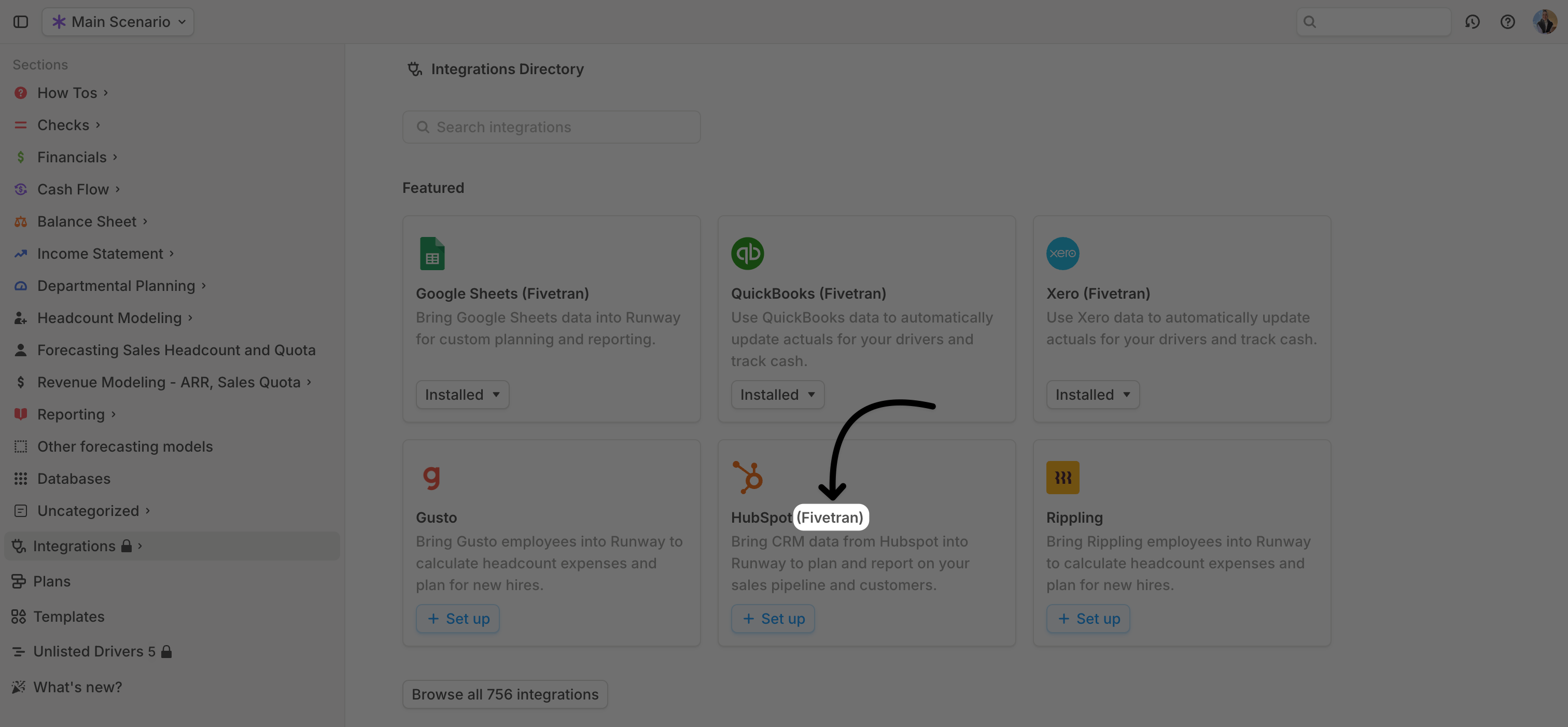
There are two ways to check if your integration is powered by Fivetran:- During setup – The integration will display the Fivetran label when being installed.
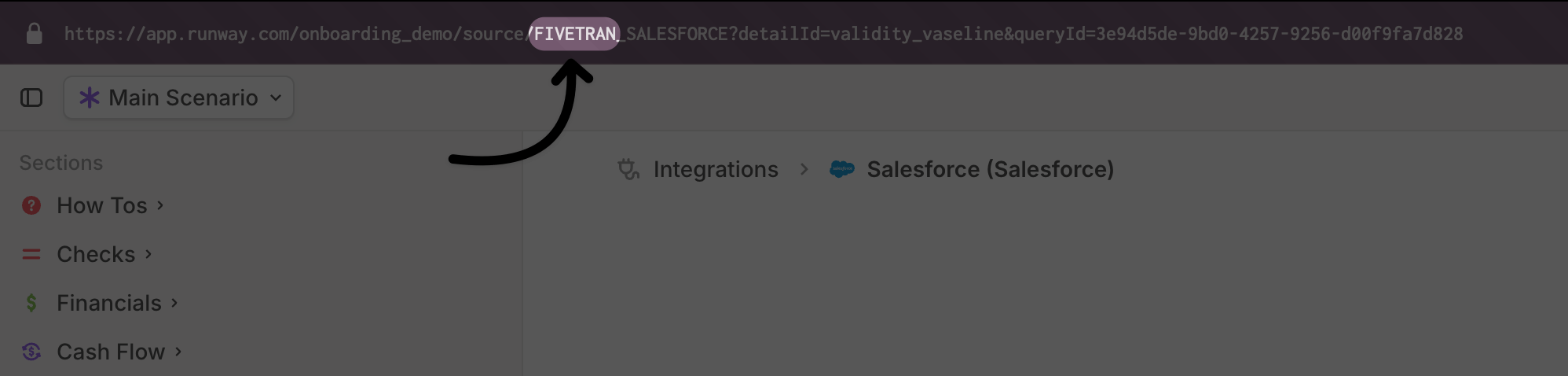
- After installation – If already installed, you can check by looking at the URL in the query editor.
Adding a new query
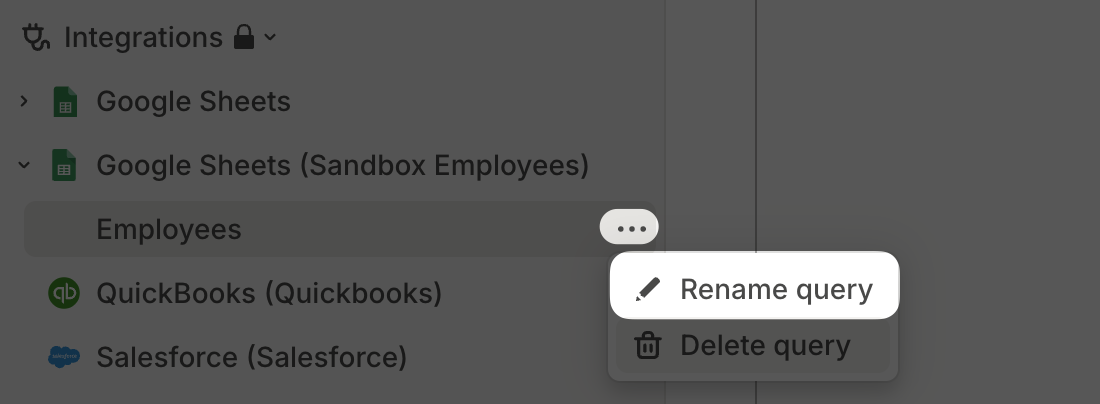
For integrations that support SQL queries, you can click + next to integration name in the sidebar to create a new query.
Writing SQL for data warehouses
When querying data warehouses (non-Fivetran integrations), you must use the SQL syntax of the provider:- Google BigQuery – Uses GoogleSQL
- Snowflake – Supports standard SQL
- Amazon Redshift – Uses PostgreSQL
Writing SQL for Fivetran integrations
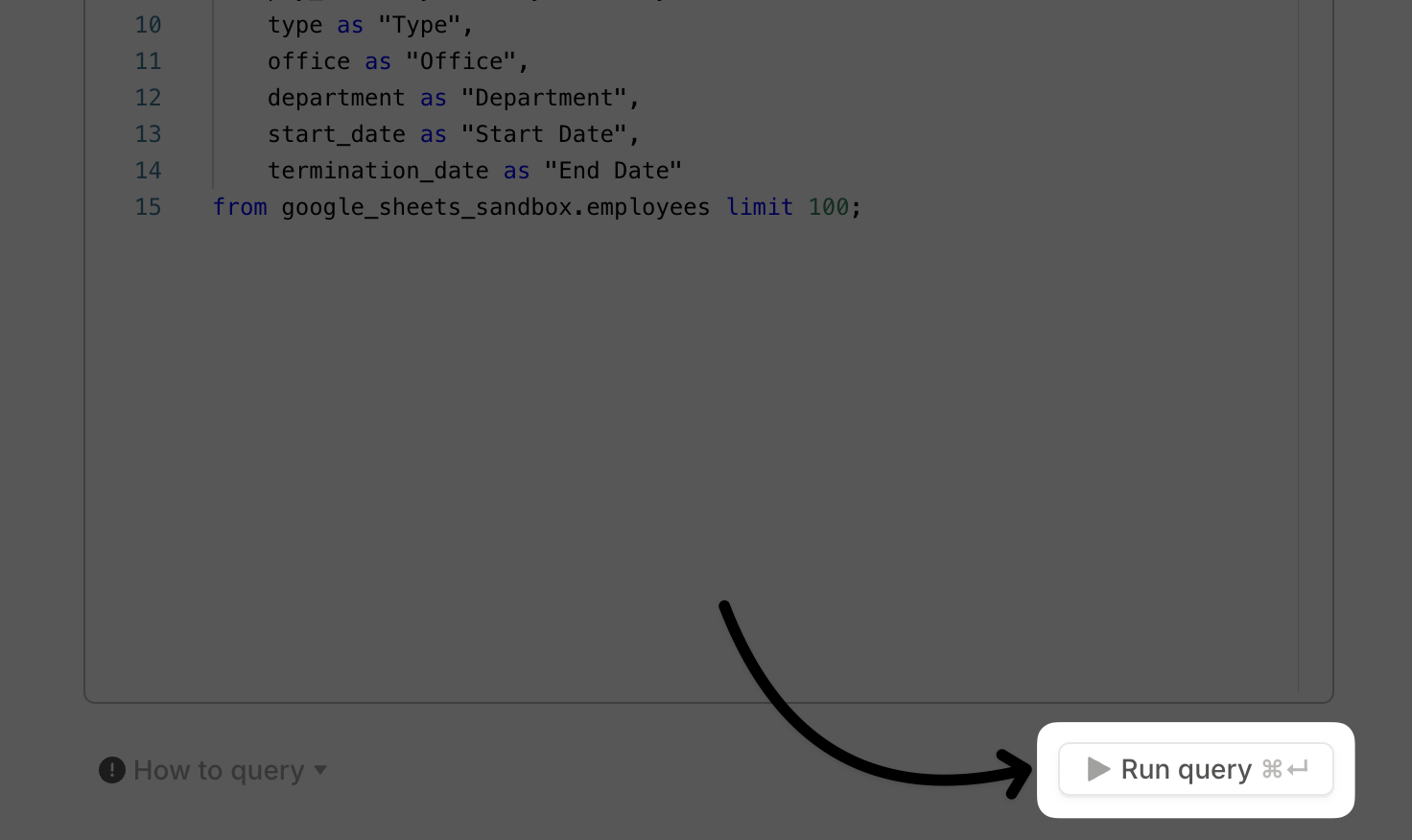
All Fivetran integrations are stored in Runway’s Snowflake data warehouse, meaning all SQL queries must follow Snowflake-supported syntax. To explore available data, open the query editor in Runway for a Fivetran integration and run: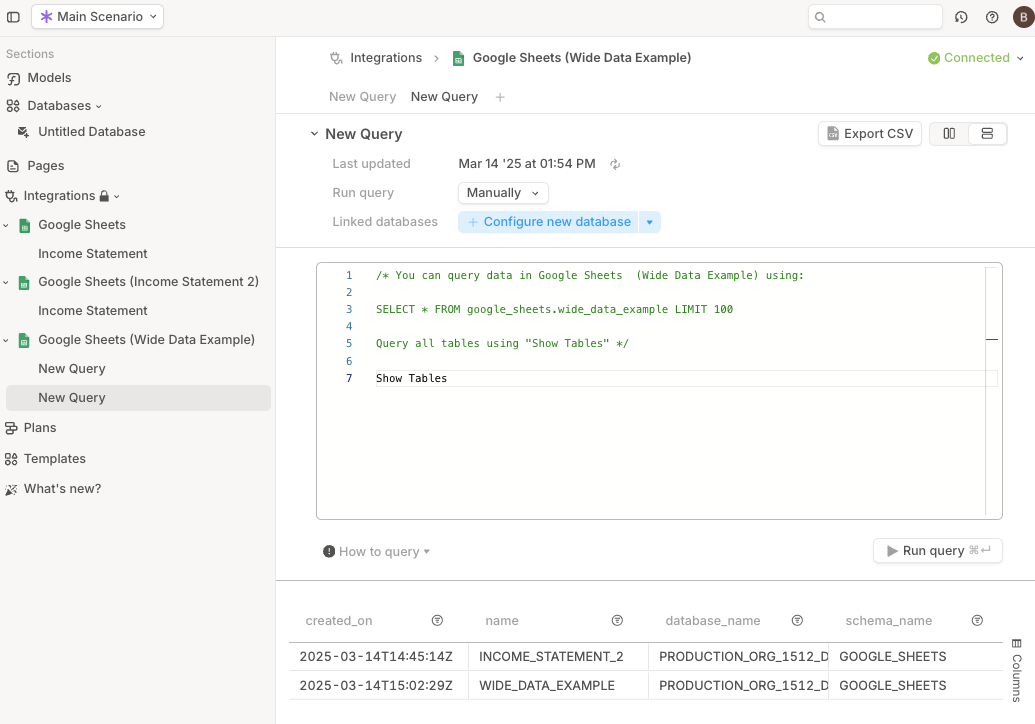
- Data is pulled from your source system into Runway’s Snowflake data warehouse every morning (US Pacific Time).
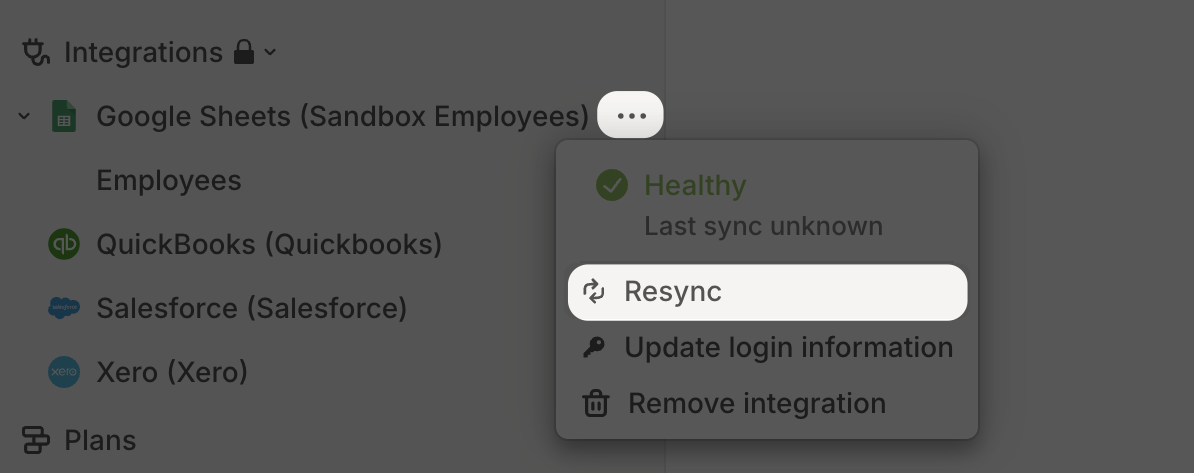
- Runway then automatically executes integration queries shortly after to refresh the data in your model. If you need an immediate manual refresh:
-
Manually trigger a sync from your source system.
-
Once the source data is refreshed, rerun your SQL queries manually to update your model. This step ensures the newly synced data appears in your model.
Best practices & tips
-
Structure your queries to return a long dataset — a list of transactions, accounts, or metrics with a daily or monthly amount. This format ensures flexibility for modeling. Example:
- Include all dimensions, dates, or values needed — not all of them need to be used in the final database configuration.
-
Aggregate/roll up data to the minimum level required for modeling and drill-downs. For example, if pulling general ledger data, and only monthly spend per account is needed, write your query to pre-aggregate the data:
-
Avoid this
-
Do this
-
Avoid this
-
Filter out unwanted data — some Fivetran tables contain columns like
_fivetran_deleted. Filtering out these records helps prevent duplicate records in your dataset.