> ## Documentation Index
> Fetch the complete documentation index at: https://runway-docs.cfo.ai/llms.txt
> Use this file to discover all available pages before exploring further.
# Glossary & key concepts
> Get familiar with Runway's structure and the terms you'll see throughout the product.
Get familiar with Runway's structure and the terms you'll see throughout the product.
## Terms
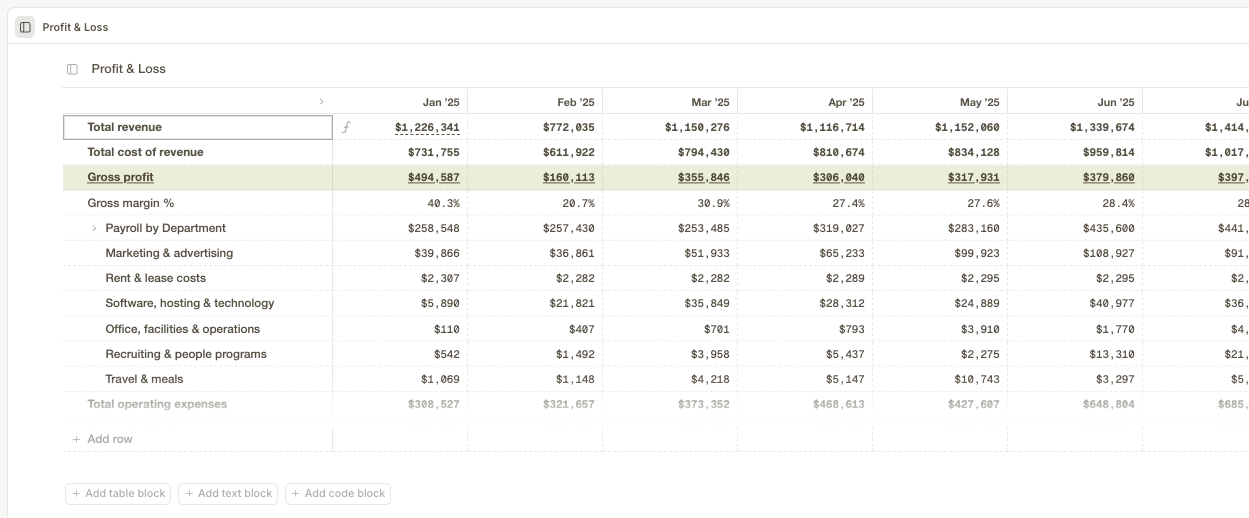
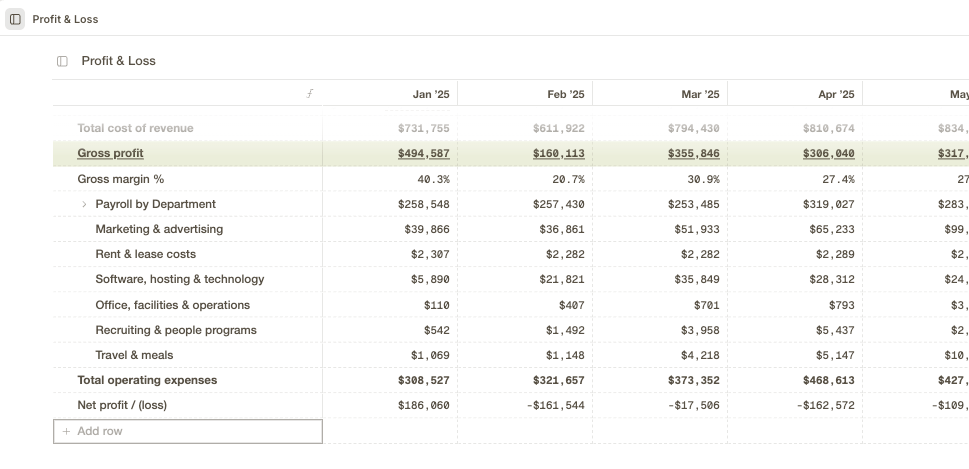
A mini spreadsheet built into CFO.ai — each report or forecast you build lives in its own table block.
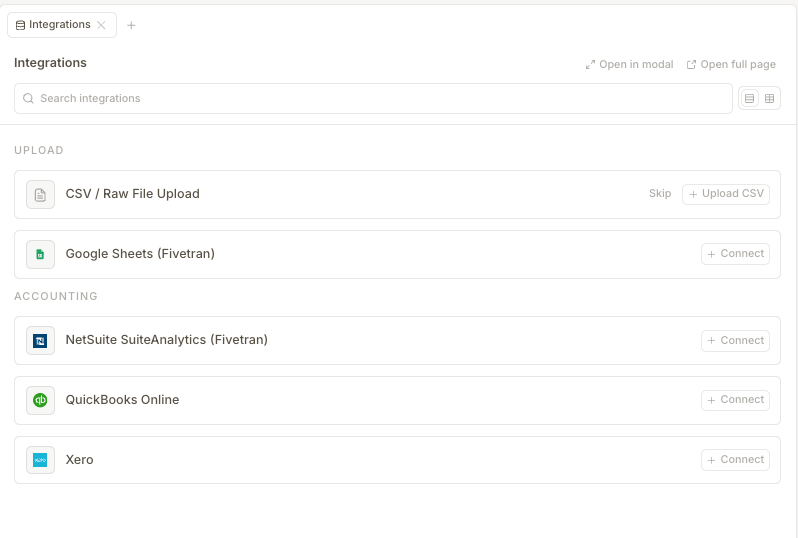
 The connections that pull your data in automatically — QuickBooks, Xero, NetSuite, Sheets, and CSV files.
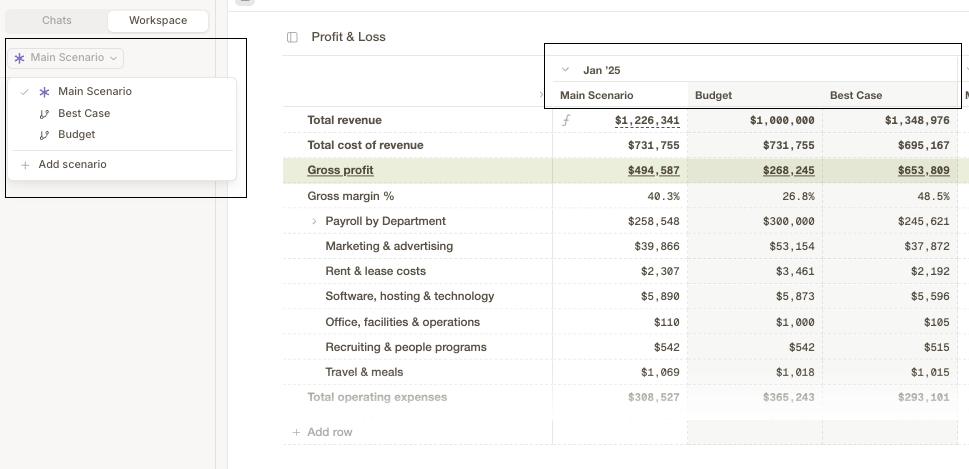
 Different "what if" versions of your plan, so you can compare outcomes before deciding what to do.
 A single screen inside CFO.ai focused on one topic — like a folder or tab in your workspace.
An organized list of similar items, like contacts or expenses, made up of rows and columns.
The key numbers you track to understand the business — cash, burn, revenue, and more.
A single screen inside CFO.ai focused on one topic — like a folder or tab in your workspace.
An organized list of similar items, like contacts or expenses, made up of rows and columns.
The key numbers you track to understand the business — cash, burn, revenue, and more.
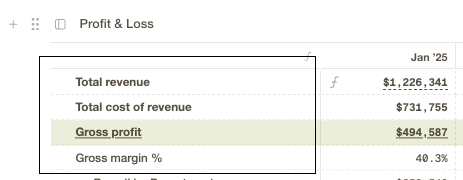 A single line of data in a table block, like an expense category, vendor, or line item.
 ## Still not sure what a term means?
Just ask CFO.ai directly, in your own words.
Get instant answers from our AI assistant.
## Still not sure what a term means?
Just ask CFO.ai directly, in your own words.
Get instant answers from our AI assistant.